


Virginia
Telehealth in Virginia
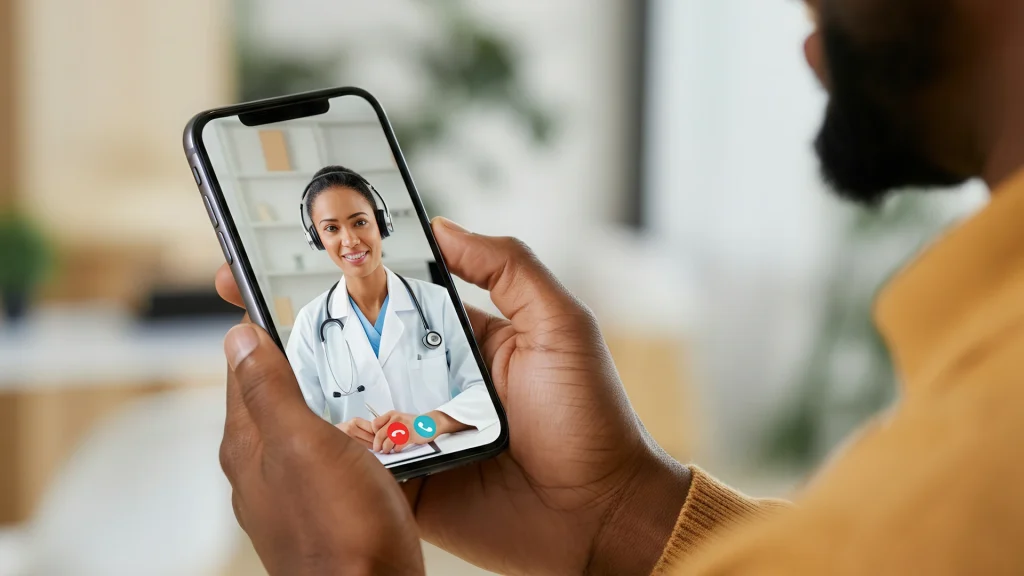
This page helps patients and caregivers compare virtual care options across the state. It explains what to expect from Virginia Telehealth visits and common care categories. Use it to understand visit types, common limits, and next steps. It can also help set realistic expectations before scheduling a video visit. Visits are by video through a secure, HIPAA-compliant app.
Virginia Telehealth What You’ll Find
This directory brings together telehealth services that support everyday health needs. Some listings focus on quick, symptom-based visits. Others support ongoing care, such as chronic condition check-ins. The goal is clarity, not pressure, so browsing feels straightforward.
Each listing may describe what the clinician can address during a video visit. Many also explain paperwork needs, follow-up options, and care boundaries. If scheduling is offered, details are typically shown on the Telehealth Appointment page. For broader browsing, explore the Telehealth Category collection.
- Common visit types, such as urgent concerns and routine follow-ups
- Specialty areas, including mental health and dermatology support
- Administrative notes, including documentation and identity checks
- Prescription-related notes, when prescribing is clinically appropriate
- Practical preparation guidance for a smoother video visit
How to Choose
Choosing virtual care is easier when the basics are clear. Virginia Telehealth options can differ by visit purpose and clinician scope. Use the checklist below to compare listings in a consistent way.
Match the visit type to the need
- Confirm whether the listing covers urgent symptoms or ongoing management
- Check whether the service supports adults, teens, or children
- Look for mental health support versus medical problem visits
- Review what information is needed before the visit begins
- Note any limits on what can be handled over video
Plan for the conversation and follow-up
- Bring a current medication list, including dose and timing
- Write down key symptoms, start dates, and what makes them worse
- Prepare questions about testing, referrals, or in-person evaluation
- Understand how follow-ups are handled if symptoms change
- Use a question guide, like Questions To Ask
Quick tip: Keep photos, records, and ID ready before the check-in starts.
Good preparation supports clear documentation and fewer missed details. For a step-by-step checklist, see Prepare For Telehealth Appointment.
Using This Directory
This directory is built for comparison shopping in a practical sense. It helps filter by care category and visit style. It also supports reading about common telemedicine workflows. Virginia Telehealth listings may describe what happens before, during, and after the visit.
Clinicians in the network are licensed in the U.S. for telehealth care.
- Read the “what we treat” section as a scope summary, not a promise
- Look for notes on labs, imaging, and when in-person care is needed
- Check whether follow-ups are offered for the same concern
- Review privacy notes and how records may be shared with other clinicians
- Use tech guidance, like Tech Troubles Tips, to reduce delays
Telehealth can also support families balancing multiple schedules. For caregiver-oriented planning, read Family Healthcare Easier.
Access and Prescription Requirements
Access rules can depend on the visit purpose and the clinician’s assessment. Virginia Telehealth visits may include prescriptions when clinically appropriate. Some medications require more steps than others. Controlled medications often have tighter rules and documentation standards. Requirements can change based on state and federal regulations.
Medispress telehealth visits are offered with a simple flat-fee structure.
- Expect identity verification before care or prescriptions are provided
- Bring a medication list and key medical history details
- Ask how refills and ongoing monitoring are handled
- Understand that some conditions still need in-person evaluation
- Know that cash-pay options may exist, often without insurance
If a prescription is issued, it may be coordinated through partner pharmacies. That process can include prescription verification and safety checks. For a deeper overview, see Prescriptions Online Through Telehealth.
Why it matters: Clear requirements reduce delays and avoid unsafe medication use.
For safety basics on legitimate online pharmacies, see this FDA resource: FDA BeSafeRx guidance on safe online pharmacies.
Related Resources
If more context helps, several guides explain common telehealth scenarios. Start with What Telehealth Can Treat for practical examples. For privacy and scam prevention, review Safe From Medical Scams. For a broader overview of how virtual care works, see this neutral explainer: HHS overview of telehealth basics and access.
Looking for nearby comparisons across borders can also be useful. Browse West Virginia to see another state directory page and structure.
This content is for informational purposes only and is not a substitute for professional medical advice.
Find a doctor thats right for you
Find a doctor
Specialities
Location


Frequently Asked Questions
What information should be ready before a virtual visit?
Most visits go smoother with a few items prepared. Have a photo ID available if verification is needed. Keep a current medication list with names, doses, and schedules. Write down key symptoms and when they started. Include allergies and major medical conditions. If relevant, gather recent labs, imaging notes, or discharge paperwork. Photos can help for skin concerns, but keep them clear and well lit.
Can a clinician prescribe medication after a telehealth visit?
A clinician may prescribe when it is clinically appropriate and allowed by rules. Some concerns can be treated without a prescription. Other cases may require testing or in-person evaluation first. Certain medications, including controlled substances, can have stricter legal requirements. The clinician should explain options and any limits during the visit. If a prescription is issued, pharmacies may run standard verification and safety checks.
How do privacy and security work during video visits?
Privacy depends on the platform and how the visit is conducted. Look for secure systems designed for healthcare and HIPAA compliance. Use a private room when possible and avoid public Wi-Fi. Headphones can reduce accidental sharing. Clinicians may document the visit in a medical record. Ask how records can be shared with other care teams, if needed. Also confirm how messages, photos, and forms are stored.
What should be done if symptoms feel urgent or dangerous?
Telehealth is not the right fit for every situation. Severe chest pain, trouble breathing, major bleeding, confusion, or stroke symptoms need urgent in-person care. In those cases, calling emergency services is the safest step. For less severe issues, urgent care or an emergency department may still be appropriate. If uncertain, a clinician can help clarify next steps. Safety always comes before convenience.
How can caregivers help someone during a telehealth appointment?
Caregivers can support organization and communication during the visit. Help gather medication lists, recent records, and a symptom timeline. Join the visit if the patient agrees and privacy rules allow. Take notes on plan details and follow-up steps. Ask about warning signs that need in-person care. Help confirm where prescriptions or referrals will be sent, if used. After the visit, assist with scheduling and paperwork.