


Hawaii
Telehealth in Hawaii
Hawaii Telehealth can help patients and caregivers compare virtual care options in one place.
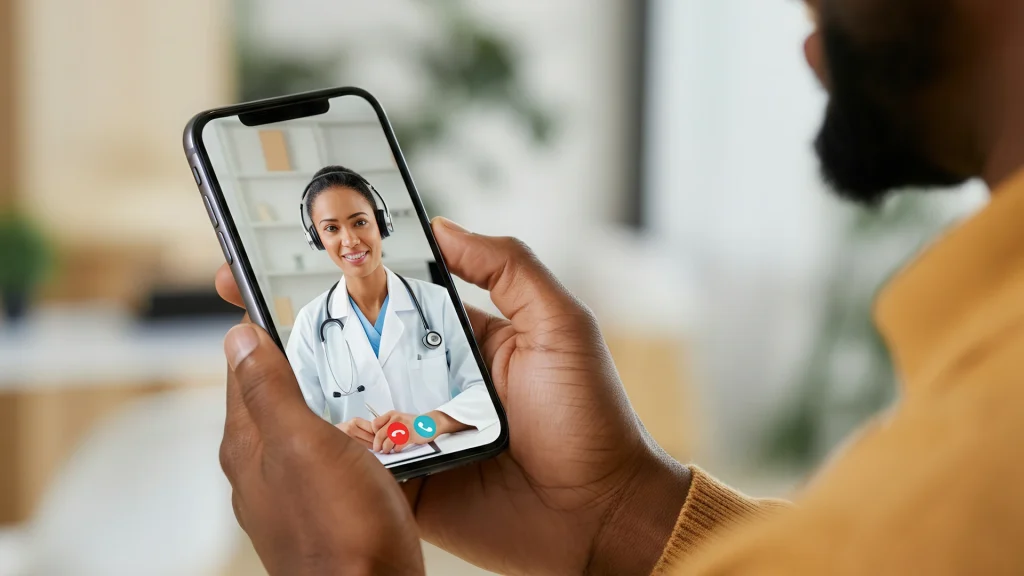
This directory focuses on practical details, like visit types, common concerns, and follow-up needs. Appointments on Medispress happen by video in a secure, HIPAA-compliant app.
Hawaii Telehealth What You’ll Find
This browse page brings together telehealth options and supporting education. It is built for quick comparison, not medical decision-making. Many listings focus on primary care, urgent concerns, and ongoing condition check-ins.
Use it to understand what a virtual visit may cover, and what it may not. For a step-by-step view of visit flow, see Telehealth Appointment. For broader browsing across virtual care topics, open Telehealth Topics.
Some people start with a quick read on common use cases. The guide What Telehealth Can Treat helps set expectations before browsing.
- Common visit types, like new concerns and follow-up visits
- Typical information clinics request before a video visit
- Notes on prescriptions, refills, and pharmacy coordination
- Practical considerations, like time, device needs, and documentation
How to Choose
Choosing between options often comes down to fit and scope. Hawaii Telehealth listings can look similar at first glance. A simple checklist can make comparisons clearer.
Match the visit type to the need
- Check whether the service supports new symptoms or follow-up care
- Confirm whether photo upload is available for skin or eye concerns
- Look for mental health support versus general medical care listings
- Review whether labs, imaging, or in-person exams may be required
Check logistics that affect the experience
- Review required forms, identity checks, and medication history fields
- Note after-visit documentation, like visit summaries or work notes
- Confirm communication methods for follow-up questions and results
- Check language access, accessibility features, and caregiver participation options
Many people bring a short question list to stay focused. The guide Top Questions To Ask can help with planning. For a practical setup checklist, see Prepare For A Telehealth Appointment.
Using This Directory
This directory is easiest to use with a few filters in mind. Start with the visit purpose, then narrow by availability and follow-up style. Hawaii Telehealth entries often include notes on what information is needed upfront.
Profile details can also signal visit structure and documentation. Some services request photos before the call for certain concerns. Others focus on history review and symptom discussion during the visit.
Quick tip: Test your camera, microphone, and Wi-Fi before scheduling.
- Visit format: Video visit only versus video plus photo review
- Scope notes: What the clinician can assess remotely
- Follow-up: Messaging options, repeat visits, or care handoffs
- Documentation: Visit notes, school notes, or employer forms
If a device feels unreliable, troubleshooting helps reduce stress. The guide Tech Troubles Tips covers common fixes. For access considerations in remote settings, see Telehealth In Rural Areas.
Medispress visits are provided by licensed clinicians practicing in the U.S.
Access and Prescription Requirements
Telehealth can support evaluation and care planning, but prescriptions follow rules. Hawaii Telehealth options may differ in what they can prescribe after a video visit. The clinician’s assessment, safety checks, and state rules all matter.
Some medications require a prescription (Rx) by law. Others are over-the-counter and do not need a prescriber. For background on virtual care basics, see this overview from HHS on telehealth.
Why it matters: Prescription verification helps reduce errors and unsafe medication use.
- Expect requests for current medications, allergies, and medical history
- Be ready to share a preferred pharmacy and contact information
- Some drugs have stricter rules, including certain controlled substances
- Cash-pay access is common, including options without insurance
Online pharmacy safety is also important when comparing options. For pharmacy checks and red flags, see FDA BeSafeRx guidance on online pharmacies.
Related Resources
Many people prefer to read a little before booking a visit. Hawaii Telehealth browsing works best with clear expectations about process and paperwork. The guide Prescriptions Through Telehealth Visits explains common steps. For safety awareness, Telehealth Safety From Medical Scams covers simple warning signs.
When clinically appropriate, providers may coordinate prescriptions through partner pharmacies. For age-specific planning, Telehealth For Seniors highlights practical access needs.
- Revisit your comparison checklist after reading one guide
- Save a short medication list for faster intake forms
- Keep prior test results handy when available
- Use this directory to narrow choices, then review details again
This content is for informational purposes only and is not a substitute for professional medical advice.
Find a doctor thats right for you
Find a doctor
Specialities
Location

Video Visit
$69
Frequently Asked Questions
What types of concerns are often handled through telehealth?
Telehealth often supports common, low-risk concerns and routine follow-ups. Examples include minor infections, rashes, allergies, medication reviews, and chronic condition check-ins. Mental health visits may also work well by video for many people. Some situations still need an in-person exam, vital signs, labs, or imaging. Listings and guides on Medispress help clarify what usually fits a virtual visit. A clinician makes the final call during evaluation.
How does a video visit work on Medispress?
A visit takes place by video using Medispress’ secure app. Scheduling usually involves picking a time and completing intake questions. During the call, the clinician reviews symptoms, history, and goals. They may ask to see visible findings using the camera. After the visit, a summary may be available, depending on the service. If a prescription is appropriate, the clinician may send it to a partner pharmacy for dispensing.
What information should be ready before scheduling a telehealth visit?
Having a few details ready can reduce delays. Many services request a current medication list, allergy history, and key diagnoses. It also helps to note symptom timing and what has already been tried. A preferred pharmacy name, address, and phone number may be requested. Some visits require identity verification, especially when prescriptions are involved. If recent labs or imaging exist, keeping copies nearby can help during discussion.
Can a clinician prescribe medication after a telehealth visit?
Sometimes, yes, but it depends on the clinical situation and applicable rules. The clinician must determine that prescribing is medically appropriate and safe. Some medications have stricter requirements, including limits on controlled substances. A pharmacy may also perform additional verification checks before dispensing. If a prescription is not appropriate, the visit can still provide guidance on next steps, including when in-person care is needed.
When is telehealth not the right choice?
Telehealth is not appropriate for emergencies or severe symptoms. Warning signs can include chest pain, severe shortness of breath, fainting, sudden weakness, severe bleeding, or suicidal thoughts. In those situations, urgent in-person care is needed right away. Some non-emergency concerns still require a hands-on exam, lab tests, or imaging. A directory listing can describe limits, but a clinician confirms whether video care fits the situation.