


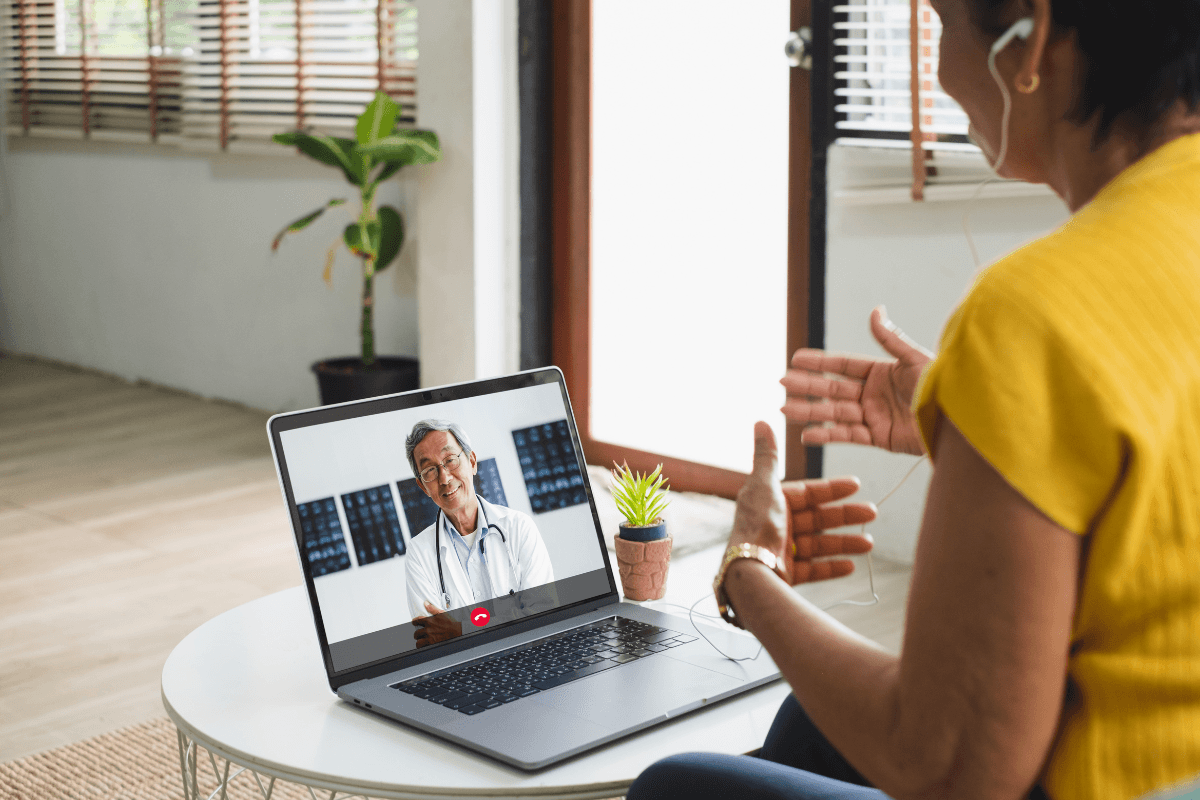

Virtual care can save time and simplify access. But a telehealth appointment still works best when you plan for it like an in-person visit. A few small steps can improve audio, reduce distractions, and help you communicate clearly.
This article focuses on practical preparation. You will learn what to set up, what to gather, and what to ask. For more virtual care topics, you can browse the Telehealth Category.
Some platforms offer simple, flat-fee virtual visits for common concerns.
Key Takeaways
- Test video, sound, and lighting early
- Write a short symptom timeline
- Bring a current medication list
- Prepare two or three focused questions
- Confirm follow-up steps before ending
What A Telehealth Appointment Can And Can’t Do
Telehealth, sometimes called telemedicine, is care delivered at a distance. Most people think of a video visit, but some systems also use phone or secure messaging. The main goal is the same: you and a clinician discuss symptoms, history, and next steps in real time.
Virtual care often works well for straightforward concerns, follow-ups, and medication reviews. It can also support behavioral health visits, including therapy sessions. That said, telehealth has limits. Your clinician cannot physically examine you the same way they can in a clinic, and certain tests require an in-person setting.
A Quick “Fit Check” For Common Concerns
Many issues can start with a virtual visit, especially when your symptoms are stable and you can describe them clearly. Other situations may need hands-on evaluation, imaging, labs, or urgent attention. If you are unsure, it can help to ask the office what they typically handle virtually.
| Often A Good Fit For Virtual Care | Often Needs In-Person Evaluation |
|---|---|
| Medication follow-ups and questions | Symptoms needing a physical exam |
| Reviewing home readings (BP, glucose) | Tests like labs or imaging |
| Some rashes (photos help) | Wounds that may need procedures |
| Discussing headaches or triggers | Severe or rapidly worsening symptoms |
Example: If you are tracking headache patterns, a virtual visit can help you organize triggers and options. You might also read Common Headache Types beforehand to clarify what you are experiencing.
Example: If your main issue is recurring dry, irritated eyes, the visit may focus on history, environment, and OTC products you have tried. A quick refresher like Dry Eye Relief Options can help you describe your symptoms more specifically.
Set Up Your Tech And Login Beforehand
Most virtual visits fail for simple reasons: the app is not installed, the camera permission is blocked, or the audio is muted. Do a quick “practice run” earlier the same day, not right at the start time. If your clinic uses a telehealth website or an app-based portal, sign in once while you are calm.
When you join a telehealth appointment, keep your device charged and your notifications quiet. If you can, use strong Wi-Fi rather than a weak cellular signal. A laptop can feel steadier than holding a phone, but a phone works well when positioned securely.
Quick tip: Place your phone at eye level using books or a simple stand.
Phone, Android, Or iPhone Setup Basics
If you are learning how to do telehealth on phone, start with the basics: update your operating system, update the visit app, and restart your device. On Android, confirm the app has permission to use the camera and microphone. On iPhone, check the same permissions under Settings, and make sure “Do Not Disturb” will not block reminders or the incoming call notification. If your visit uses a browser link, try opening it in a standard browser (often Chrome or Safari) rather than inside an email preview window. These steps also reduce telehealth appointment login errors that appear at the last minute.
If you expect a callback rather than a video link, confirm the phone number on file. Ask how to receive a telehealth call if your device uses spam blocking. Sometimes the call shows as “unknown” or comes from a number outside your area.
Video, Sound, And Space
Good lighting and clear sound matter more than most people expect. Sit facing a light source, not with a bright window behind you. Use headphones if you have them. They reduce echo and protect privacy. If you need to show something on camera, like a rash or swelling, do a quick test in your camera app first.
Your environment also affects how much you share. Pick a quiet room, close the door, and let others know you need privacy. This is especially important for therapy appointment telehealth visits, where background interruptions can change what you feel comfortable discussing.
Gather Information That Makes The Visit Efficient
Clinicians make better decisions when details are organized. Before the visit, write a short summary of what is happening and what you want to accomplish. Include when the issue started, what makes it better or worse, and what you have already tried. Even two minutes of prep can prevent the “I forgot to mention…” moment.
Bring your health “basics” too. A medication list is helpful even if you think it is up to date. Include over-the-counter products, supplements, and eye drops. If you have home readings, note the date, time, and context. For example, blood pressure after coffee is different from blood pressure after rest.
During a telehealth appointment, it can help to have your pharmacy name and location ready. If labs or referrals are discussed, ask how results will be shared and where orders will appear.
Why it matters: Organized details can save time and reduce repeat follow-ups.
Examples Of Useful “Pre-Visit” Notes
If your concern involves headaches, note frequency, sleep, hydration, stress, and screen time. You might also compare patterns with Tension Headache Relief or Migraine At Home Steps so you can describe symptoms clearly.
If you are managing blood pressure, bring your most recent home readings and what device you used. A broader overview like Hypertension Options can help you understand the terminology you may hear.
If you have diabetes or prediabetes, keep a simple log of glucose numbers, meals, exercise, and any low-sugar episodes. For symptom context, review Hyperglycemia Warning Signs and Hypoglycemia Response. If you want a telehealth-specific care lens, see Telehealth For Diabetes Care.
Look for telehealth providers who are licensed U.S. clinicians.
Ask Better Questions During The Visit
Virtual visits can feel fast because there is less “room time.” Your best tool is a short list of questions. Try to keep it focused on decisions and next steps. If something is unclear, ask the clinician to restate it in plain language. That is normal and expected.
Also confirm what the clinician needs from you. For example, should you upload photos to a telehealth patient portal, or describe what you see on camera? If you are discussing a chronic condition, ask what to track between visits. If you are sick, ask what changes would make a follow-up reasonable.
At the end of a telehealth appointment, repeat back the plan in your own words. This simple step often catches misunderstandings about timing, monitoring, and follow-up.
Checklist: A Clear Agenda In 60 Seconds
- Main concern: one-sentence summary
- Timeline: when it started and changed
- Top symptoms: two to four details
- What you tried: meds, rest, hydration
- Key question: what you need today
- Follow-up: how results will arrive
- Safety net: what to do if worse
If your concern is seasonal symptoms, consider noting triggers, timing, and what OTC products you tried. You can also skim Seasonal Allergic Rhinitis Tips to help you label symptoms accurately.
Coverage, Costs, And What To Know About Medicaid
Coverage for virtual care varies by plan, state, and visit type. If you have insurance, confirm whether your online doctor visit with insurance is treated like an office visit, urgent care, or a specialist appointment. Ask whether there are preferred platforms or network rules for telehealth services.
If you are exploring a telehealth appointment medicaid option, check your state Medicaid plan materials or call the number on your card. Medicaid programs often have specific rules on which telehealth providers you can use, which visit types qualify, and whether behavioral health visits are covered. The same applies to virtual urgent care medicaid access, which can depend on local partnerships and plan structure.
If you are paying cash and trying to find the cheapest telehealth no insurance option, focus on transparency and legitimacy, not just cost. Verify licensure, understand what the visit includes, and confirm how follow-up questions are handled. Be cautious with any service that promises “free telehealth no insurance” without explaining eligibility, location limits, or what happens after the first contact.
One more practical point: ask what documentation you will receive. A visit summary can matter for work notes, school forms, or coordination with your regular clinician.
After The Call: Follow-Up, Records, And Next Steps
Right after the visit, take one minute to write down what you heard. List any new recommendations, monitoring steps, and when you should check in again. If your clinician mentioned labs, referrals, or imaging, confirm where those orders will appear and who schedules them.
Many platforms send a visit summary through a portal. If you do not see it, check your telehealth appointment login area again later or contact support for help locating it. If a prescription is discussed, ask where it will be sent and what to do if the pharmacy does not receive it.
Some telemedicine services run appointments as video calls only, which changes how follow-up contact happens.
Finally, share key outcomes with your usual care team when relevant. Continuity helps, especially for chronic conditions. Even a short note with your new plan and any medication changes can prevent duplicate work later.
Authoritative Sources
- For a practical overview of telehealth basics, see HHS Telehealth.
- For Medicaid telemedicine context, review Medicaid.gov Telemedicine.
- For privacy and health information basics, read HHS HIPAA Guidance For Individuals.
Further reading can help you prepare for symptom-specific visits. For vision-related concerns, you may find Improve Eyesight Naturally useful as a starting point for questions.
This content is for informational purposes only and is not a substitute for professional medical advice.